
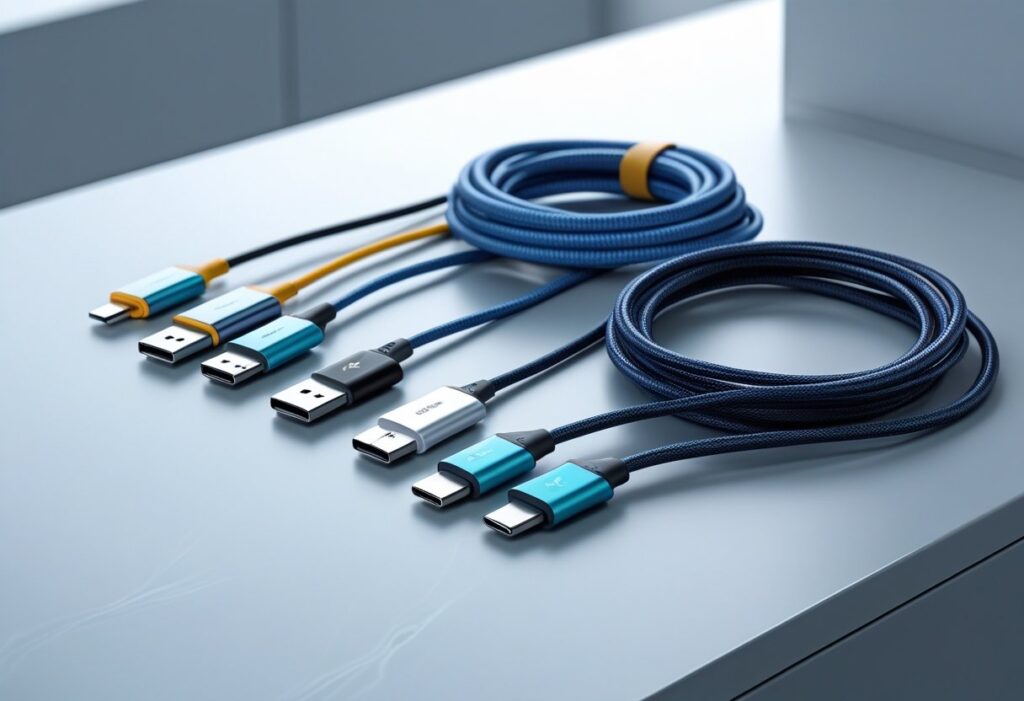
In today’s fast-paced digital world, staying connected and powered up has become more important than ever. From charging smartphones and tablets to transferring files across devices, data cables play a critical role in our daily lives. Yet, many people overlook their importance, often choosing low-quality cables that compromise speed, durability, and safety.

Why Data Cables Matter
Data cables are more than just accessories; they are the backbone of device communication and power delivery. A high-quality cable ensures:
- Fast Charging – Supports higher power output to charge devices quickly.
- Stable Data Transfer – Enables seamless file sharing between phones, laptops, and other gadgets.
- Device Safety – Protects your smartphone, laptop, or tablet from overheating or voltage issues.
- Longevity – A durable build ensures longer usability compared to cheap, low-quality alternatives.
Whether you’re syncing photos to your computer, charging your phone in a hurry, or connecting peripherals, the right data cable makes all the difference.
Types of Data Cables
Understanding the different types of cables available will help you select the right one for your needs.
1. USB-A Cables
The traditional and most commonly used data cable. It connects to laptops, chargers, and desktops. USB-A cables are widely compatible but usually slower than newer options.
2. USB-B Cables
Commonly used in printers and older external devices. While less common in consumer electronics today, they are still relevant in office setups.
3. Micro USB Cables
Once the standard for Android devices, Micro USB is now slowly being replaced by USB-C. They are affordable but offer slower charging and data transfer speeds compared to modern alternatives.
4. USB-C Cables
The latest standard in data cables. USB-C is reversible, supports fast charging, and allows high-speed data transfers. Many modern smartphones, laptops, and tablets now use USB-C as the default.
5. Lightning Cables
Exclusive to Apple devices, Lightning cables are used for iPhones, iPads, and some iPods. They support decent charging speeds and data transfer but are limited to Apple’s ecosystem.
6. HDMI to USB-C / MHL Cables
For connecting devices like smartphones to monitors or TVs. They are less about charging and more about screen mirroring and smooth multimedia transfer.

Fast Charging and Data Transfer Explained
When it comes to fast charging and smooth connectivity, not all cables are created equal. Two major factors matter:
1. Cable Quality
- High-quality copper wires reduce resistance, ensuring faster charging.
- Shielded cables protect against interference for smoother data transfer.
2. Power Delivery & Compatibility
- Quick Charge (QC) and Power Delivery (PD) technologies rely heavily on the quality of the cable.
- A cable that supports 3A or 5A current output can drastically reduce charging time.
If you’re transferring large files, such as videos or backups, choosing a higher standard cable saves significant time.
How to Choose the Right Data Cable
When shopping for a new data cable, keep these tips in mind:
- Check Compatibility – Ensure the cable supports your device type (USB-C, Lightning, etc.).
- Look for Fast Charging Support – Check if it supports Quick Charge or Power Delivery.
- Durability – Braided or reinforced cables last longer than cheap plastic-coated ones.
- Length – Choose a length that suits your use; shorter cables usually charge faster.
- Certified Brands – Avoid low-quality knock-offs. Choose trusted brands for safety and performance.
Common Problems with Cheap Data Cables
Opting for low-cost, poor-quality cables can lead to multiple issues:
- Slow Charging – Incompatible cables may not support fast charging.
- Device Damage – Risk of overheating or short circuits.
- Weak Data Transfer – Files may get corrupted during transfer.
- Short Lifespan – Cheap cables often fray and break quickly.
Investing in a reliable cable saves money and ensures your devices stay safe.
Benefits of Using High-Quality Data Cables
- Efficiency – Charge your phone in less time.
- Safety – Protect your battery and device from power surges.
- Durability – Withstand daily bending and twisting.
- Seamless Connectivity – Faster file transfers with no interruptions.
Care Tips for Long-Lasting Data Cables
Even the best cables need proper care. Here’s how to extend their lifespan:
- Avoid pulling the cable by the cord; always hold the connector.
- Keep cables away from sharp bends and twists.
- Store them neatly instead of tossing them in a bag.
- Use protective cable organizers for travel.
Future of Data Cables
With the rise of USB-C as a universal standard, the future of data cables looks more efficient and streamlined. Many governments, including the EU, have mandated USB-C as the standard for smartphones, which means fewer cables and better compatibility.
We’re also seeing innovations like Magnetic Data Cables that snap into place, reducing wear and tear, and multi-functional cables with interchangeable connectors for multiple devices.
Conclusion
Choosing the right data cable for fast charging and smooth connectivity is essential in today’s digital lifestyle. Whether you need a USB-C for high-speed transfers, a Lightning cable for your iPhone, or a durable braided option for daily use, investing in quality pays off in performance and safety.
A good data cable doesn’t just power your device—it powers your productivity and keeps you connected without interruptions.
So next time you buy a data cable, make it a smart investment in speed, safety, and seamless connectivity.
Read More Blogs
Mobile Accessories That Make Your Life Easier – Don’t Miss These!
Champion – High-Quality Chargers, Cables, Power Banks & Electronics
OTG Cable: Small Connector, Big Data & Device Control Power
Charger Guide: Everything You Need to Know Before Buying One
Computer & Accessories: The Ultimate Guide for Productivity and Performance